Disk Partitioning is the process of dividing a disk into one or more logical areas, often known as partitions, on which the user can work separately. It is one step of disk formatting. If a partition is created, the disk will store the information about the location and size of partitions in the partition table. With the partition table, each partition can appear to the operating system as a logical disk, and users can read and write data on those disks. The main advantage of disk partitioning is that each partition can be managed separately.
Why we need it?
- To upgrade Hard Disk (to incorporate new Hard Disk to the system)
- Dual Booting (Multiple Operating Systems on the same system)
- Efficient disk management
- Ensure backup and security
- Work with different File Systems using the same system
How to Partition Disks in Linux?
(For the purpose of demonstration Cent OS 7 and Vmware are used in the screenshots of the article.)
In order to successfully partition a disk and to make it useful, we need to ensure that, we have completed the below four steps, regardless of the Operating system and Hardware of the system.
- Attach disk on the proper port
- Create partitions in the disk
- Create a file system on the partition
- Mounting the file systems
Attaching Disk:
This step points to physically connecting the disk to the system. The below screenshot specifies the system configuration of my CentOS 7.
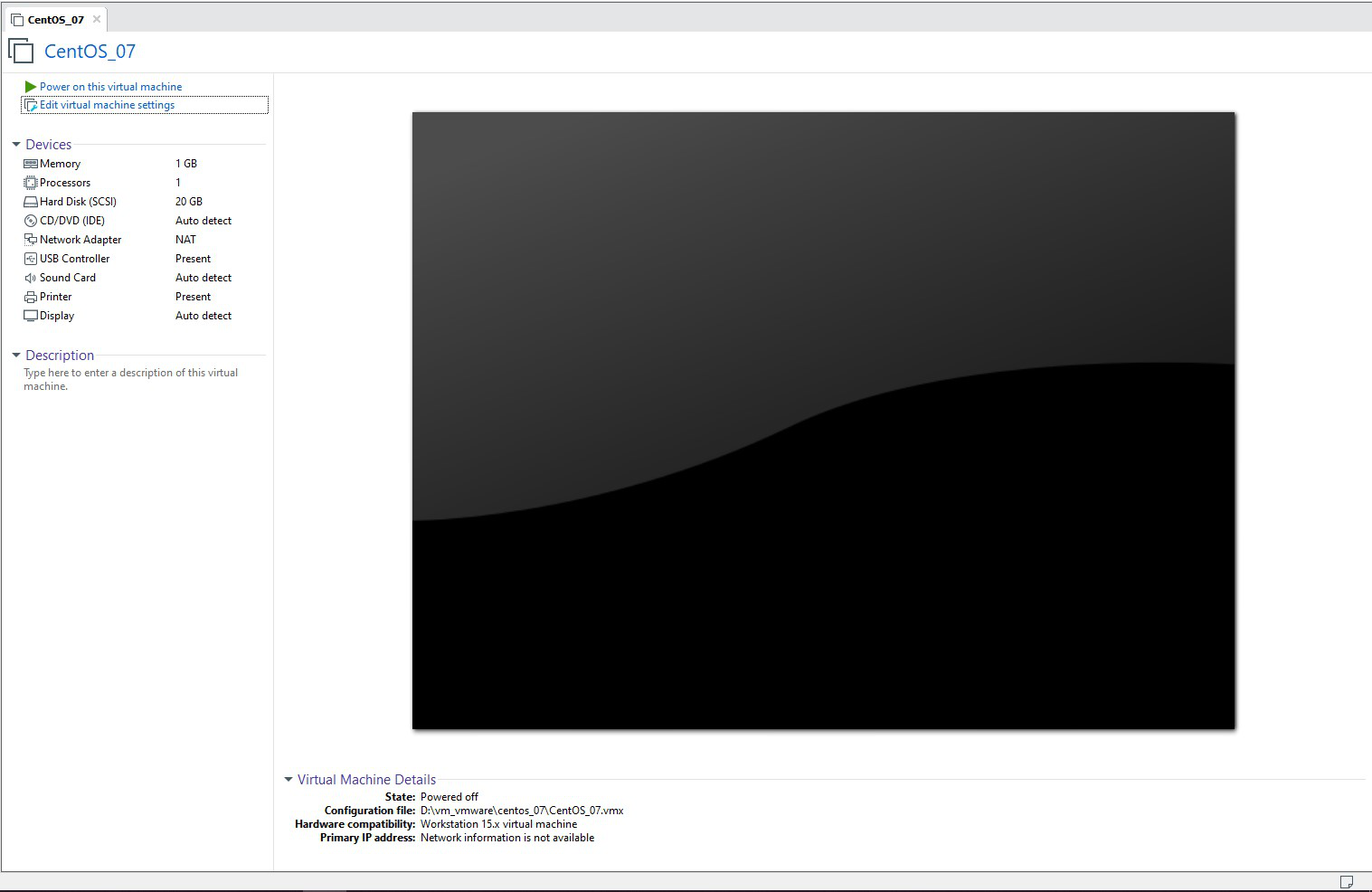
Initial configuration of my system
It is clearly specified that the system is having only 20 GB of Hard Disk. After installing the necessary softwares and downloading some movies, I found that the system Hard Disk is almost completely used up. Now I will be having two options in front of me, either buy a new system with a higher Hard Disk capacity or to upgrade the e
